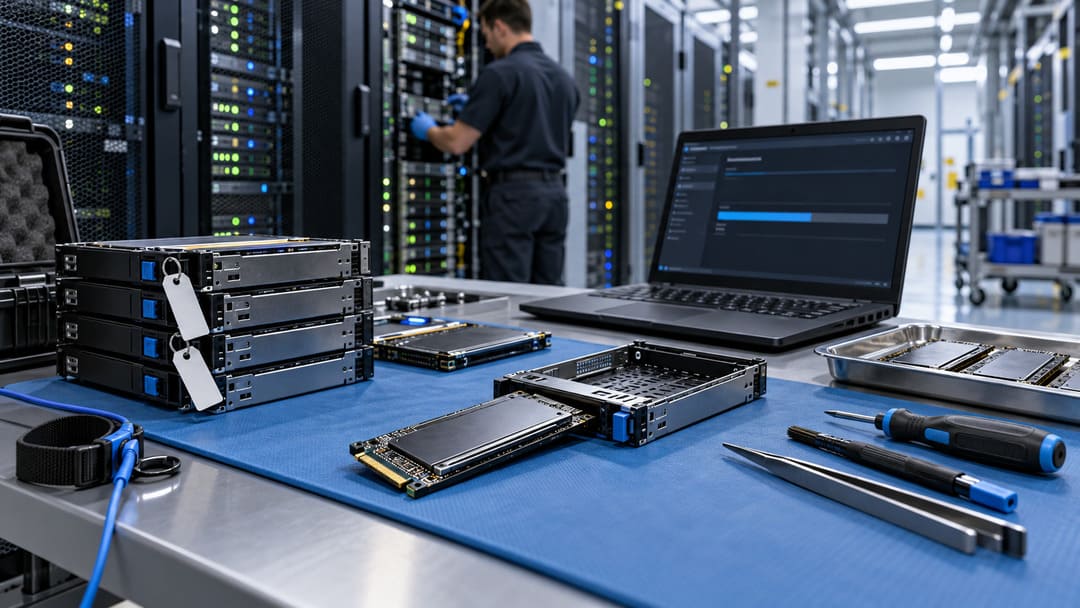
A server SSD can appear empty while still containing recoverable data. Deleting partitions, reinstalling an operating system, or performing an ordinary format does not necessarily remove information from the underlying flash memory.
For IT administrators retiring, selling, or reusing NVMe drives, the important question is not whether the files have disappeared. It is whether the storage device has completed an appropriate sanitization process that can be verified.
This becomes especially important in dense storage infrastructure. HW Server’s analysis of a 160-bay NVMe server design demonstrates how many drives can share a single chassis, increasing the importance of accurate identification during maintenance.
Why NVMe SSD Sanitization Is Different From Formatting
NVMe (Non-Volatile Memory Express) is a storage interface designed for fast access to solid-state drives. Unlike traditional hard drives, SSDs use flash memory and controllers that manage how information is written, moved, and erased.
Flash management creates a challenge when removing sensitive information. Data may remain in physical storage locations that ordinary operating-system operations cannot directly address.
An operating-system format generally prepares a filesystem for use rather than securely removing all previously stored information.
The distinction matters during equipment disposal. A drive that looks empty is not necessarily a drive that has been sanitized.
The National Institute of Standards and Technology updated its media sanitization guidelines in September 2025. Revision 2 emphasizes organizational sanitization programs, appropriate methods, and evidence that the selected process achieved its intended result.
That shifts attention from simply running an erase utility toward documenting how sensitive data was protected throughout the drive’s retirement process.
NVMe Format and Sanitize Are Not the Same Operation
NVMe SSDs support different approaches to preparing or erasing storage.
A standard Format NVM operation may change a namespace’s storage configuration without requesting secure erasure. A namespace is a logical storage area presented by an NVMe device.
However, the NVMe Format command also provides secure erase settings. The official nvme-cli Format documentation identifies three values for the --ses option:
0: No secure erase operation requested.1: User Data Erase, which erases user data using a supported controller mechanism.2: Cryptographic Erase, which erases data cryptographically by deleting the applicable encryption key.
The distinction is crucial: running Format NVM without the correct erase settings should not be treated as proof of sanitization.
NVMe also defines a separate Sanitize operation.
The NVMe Sanitize command reference identifies supported actions such as block erase, overwrite, and cryptographic erase. The available actions depend on the controller’s capabilities.
Unlike an ordinary filesystem format, Sanitize is designed specifically for data sanitization and supports reporting its operation status.
The command’s availability does not mean every SSD supports every sanitization method. Administrators must check the actual device, firmware, and manufacturer instructions before selecting an approach.
Cryptographic Erase Can Be Fast, but Trust Matters
Cryptographic erase removes access to encrypted information by destroying or replacing the encryption keys needed to recover it.
This can be considerably faster than physically overwriting large amounts of storage, making it attractive for high-capacity enterprise SSDs.
However, the method depends on the drive’s encryption implementation and key management. If sensitive data was not appropriately protected by the relevant encryption keys, key destruction alone may not provide the required assurance.
Manufacturer documentation therefore matters.
In its SSD erasure guidance, Solidigm distinguishes NVMe secure erase through Format NVM from the separate Sanitize operation. It recommends considering Sanitize for higher-assurance applications, including decommissioning and audit scenarios.
That guidance describes the manufacturer’s supported approaches, not a guarantee that every NVMe drive behaves identically.
The appropriate method should reflect both the drive’s capabilities and the sensitivity of the information it contains.
What a Reliable Server SSD Retirement Process Requires
A defensible process starts before anyone issues an erase command.
First, establish which physical device is being retired. Record its serial number, asset identifier, manufacturer, model, and firmware version. Confirm the controller and namespace mapping to avoid erasing another device accidentally.
Next, confirm that the drive no longer contains data needed by running applications and that required backups and retention obligations have been addressed.
Use a sanitization method approved for the specific hardware and information-sensitivity level. The operation should be performed by authorized personnel using a documented maintenance procedure.
Afterward, verify the result.
NVMe Sanitize provides status information that can indicate whether an operation is in progress, has completed successfully, or has failed. A command being accepted is not the same as confirmation that the entire sanitization process has finished.
Retain the operation result with the device’s asset record, and apply the organization’s required validation checks before approving reuse or disposal. Reading a few empty logical blocks alone cannot prove that every inaccessible flash location has been sanitized.
If a drive cannot complete an approved sanitization procedure, it should not automatically return to inventory or leave organizational control. Quarantine, further evaluation, or approved physical destruction may be necessary.
Secure Retirement Protects More Than the Hardware
Sanitizing an NVMe SSD protects information stored on that physical device. It does not automatically remove copies held in backups, snapshots, replicated storage, or other systems.
That distinction matters when retiring a server rather than an individual drive. Equipment disposal and data-retention management are related responsibilities, but they require separate checks.
An effective retirement process connects inventory records, data classification, manufacturer-supported erasure methods, completion evidence, and final asset disposition.
The safest decision is not simply to choose the fastest erase method. It is to choose a supported method, verify its result, and retain enough evidence to demonstrate that the retired drive was handled appropriately.